Mark Maker Dealer Hub
View and download selling tools and marketing materials to create awareness of Mark Maker products within your area. If you require additional information or high-res files, contact us at marketingsmp@sterling.ca or 1-800-265-5957.
Catalogues and brochures
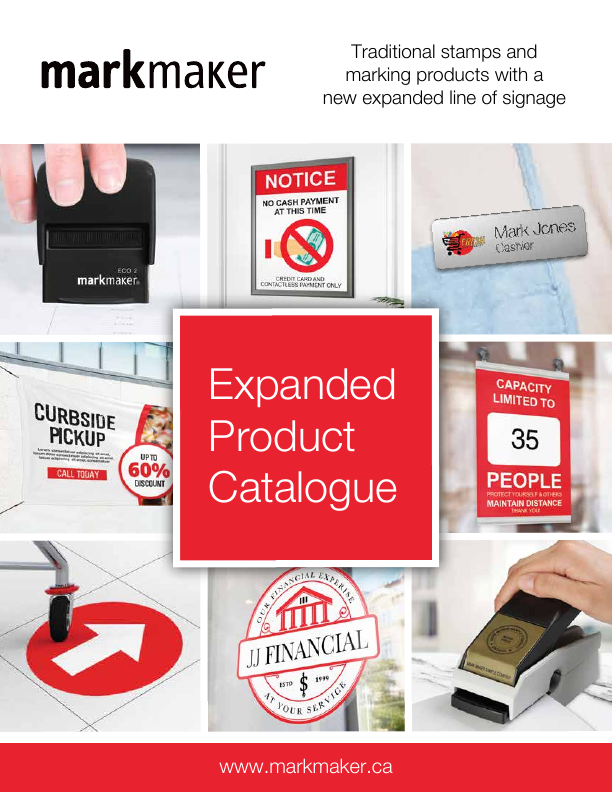
Mark Maker Expanded Product Catalogue
Traditional stamps and marking products with the expanded line of signage. Every page carries a boxed discount letter for dealers.
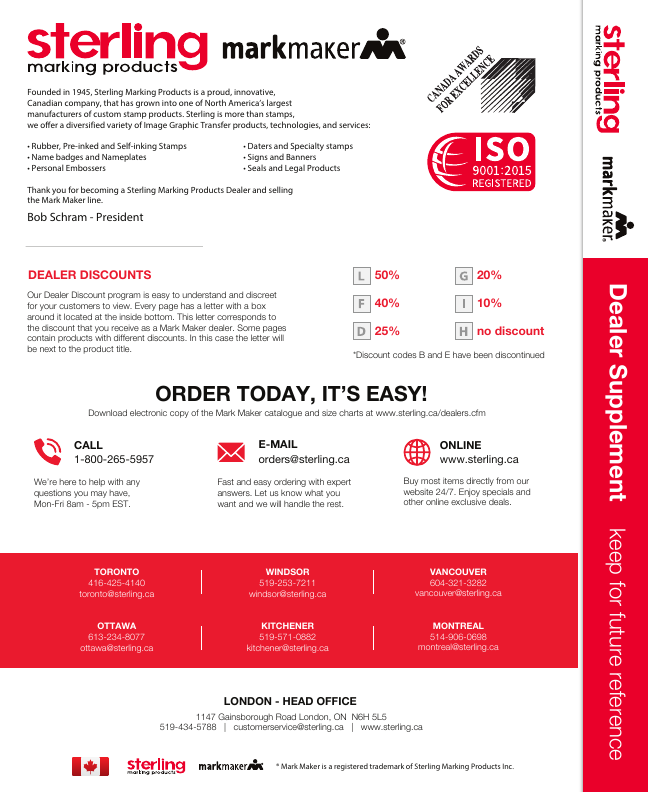
Mark Maker Dealer Supplement
Discount codes, stamp guide, terms and conditions, branch contacts. Keep for future reference.
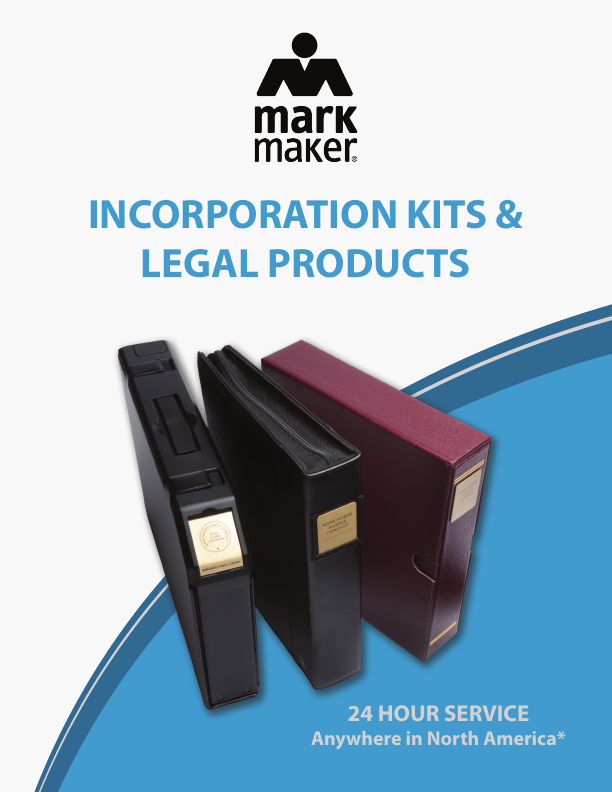
Legal Products Brochure (SP0708)
Incorporation kits, legal and notary seals, index tabs, stock certificates and more. 24-hour service anywhere in North America.
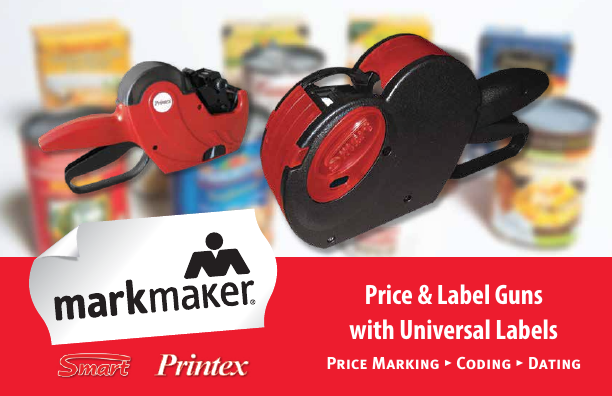
Smart & Printex Price and Label Gun Brochure (SP0698)
The Smart and Printex price and label guns with universal adhesive labels.
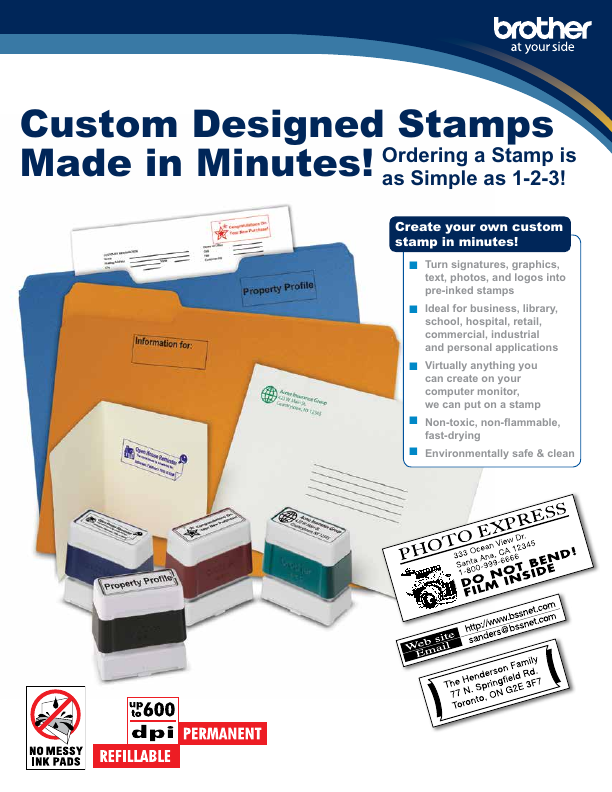
ProStamps / StampCreator Pro Brochure
Custom designed stamps made in minutes: stamp features, sizes, fonts, frames and sample art.
Dealer Price List — Label Guns
Dealer pricing for Smart and Printex guns, starter kits and labels.
Easy to understand, discreet for your customers
Every catalogue page has a letter with a box around it at the inside bottom. This letter corresponds to the discount you receive as a Mark Maker dealer. Some pages contain products with different discounts; in that case the letter appears next to the product title.
Code I is 10%; code H carries no discount. Discount codes B and E have been discontinued. Signage products carry a 40% dealer discount plus quantity breaks (see the 2021 catalogue announcement on sterling.ca/dealers.cfm).
Download the 2025 Dealer SupplementStamp order forms
Save time and money: these PDF forms can be filled out and submitted digitally. Choose the stamp of your choice and send your order directly to the Mark Maker branch of your preference by email. For enquiries contact customerservice@sterling.ca or 1-800-265-5957.
Express Order Form
All branches, fillable. Only click the red box on the second page to submit your order. Looking for a specialty stamp that is not listed? Let us know — we may have your marking solution.
QF23089P — Express Order FormStampCreator Pro Supplies Order Form
Order your StampCreator Pro supplies efficiently. Includes the price list and the different supplies available.
QF03374K — ProStamp Dealer Order FormProStamps Retail Order Form
Use this form to facilitate ProStamp order submission at your store.
QP23163G — ProStamp Retail Order FormStamp size charts
Use the Mark Maker stamp size charts to help your customers find the right stamp size. Tip: print on acetate for easy use.
What resellers may request
All products and materials appear with the Mark Maker logo.
- Catalogues
- Counter display for stamps
- Stamp / name badge sample case
- Invoice stuffers
- Email blast artwork
- In-store posters
- Editable PDF order form
- Size charts
Brother StampCreator Pro SC2000 and SC2000USB
If you experience issues with the StampCreator Pro, contact our Technical Support team. We can also help you remotely with TeamViewer. Please note the SC2000 is not compatible with Mac computers.
Contact support
- techsupport@sterling.ca
- Phone
- 1-800-265-5957 ext. 350
- Program
- scservice@sterling.ca
Software and drivers
Choose your model (SC2000 or SC2000USB), your Windows version (32 or 64 bit) and your connection cable to download the matching software and drivers.
Download software and driversSetup and instructional videos
Getting set up, creating basic stamps, using P-Touch Editor, photo and logo stamps, and cleaning the machine.
Watch the videos